

17 Free SEO Tools Every Website Owner Should Know in 2026
A complete and practical 2026 SEO checklist for website owners, developers, bloggers, and digital marketers. Learn how to audit and improve your website's technical SEO, indexing, Core Web Vitals, metadata, internal linking, broken links, content quality, keyword optimization, and SEO ROI using a structured, step-by-step approach.
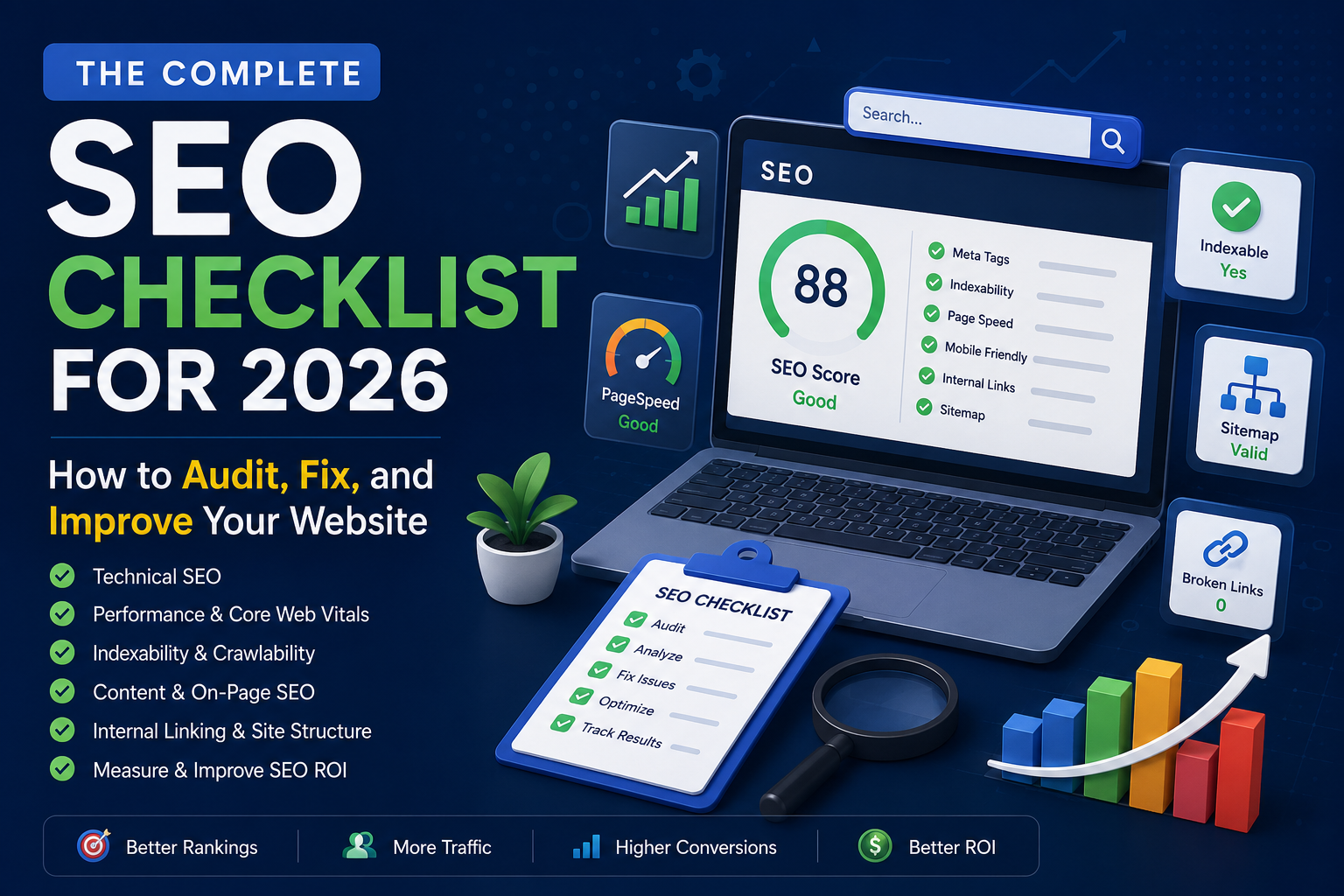
17 Free SEO Tools Every Website Owner Should Know in 2026
Search engine optimization is no longer just about adding keywords to a webpage.
Modern SEO involves technical performance, website structure, indexing, metadata, internal linking, content quality, crawlability, and user experience. For website owners, bloggers, developers, and online businesses, keeping track of all these factors manually can be difficult.
The good news is that you don't always need expensive SEO software to identify common problems.
There are many tools that can help you analyze your website, identify technical issues, improve your content, understand search engine accessibility, and make better SEO decisions.
In this guide, we'll explore 17 useful SEO and webmaster tools that can help website owners understand their websites and improve their SEO workflow in 2026.
1. SEO Website Checker
An SEO Website Checker is a useful starting point for analyzing the overall SEO condition of a website.
Instead of checking individual SEO elements manually, a website checker can review multiple areas and highlight potential issues.
Depending on the tool, an SEO website audit may look at:
- Page titles
- Meta descriptions
- Heading structure
- Canonical tags
- Robots directives
- Indexability
- Internal links
- Broken links
- Page performance
- Technical SEO elements
This type of tool is particularly useful for beginners who don't know where to start.
It can also help experienced developers quickly identify potential problems before performing a more detailed manual audit.
2. SEO Content Audit
Publishing content is not enough to build organic traffic.
Over time, websites can accumulate pages that are outdated, poorly optimized, too short, or no longer aligned with search intent.
An SEO Content Audit can help website owners review existing content and identify areas that may need improvement.
A content audit can help you evaluate:
- Content relevance
- Search intent
- Keyword usage
- Content depth
- Title optimization
- Meta descriptions
- Content freshness
- Potential cannibalization
- Opportunities for updating old articles
Instead of constantly publishing new content, sometimes improving existing pages can be a more efficient SEO strategy.
3. Title & Meta Description Analyzer
Your title and meta description are important parts of how your webpage is presented in search results.
A good title should clearly communicate what the page is about while matching the user's search intent.
A meta description should provide a concise summary that encourages the right users to click.
A Title & Meta Description Analyzer can help identify issues such as:
- Missing titles
- Missing meta descriptions
- Excessively long titles
- Very short titles
- Duplicate metadata
- Poor keyword targeting
It's important to remember that Google may rewrite titles and snippets in search results. Therefore, optimizing metadata does not guarantee that Google will display it exactly as written.
However, providing clear and relevant metadata still gives search engines useful information about your pages.
4. PageSpeed & Core Web Vitals
Website performance has become an important part of modern web development.
Slow pages can create a poor user experience, especially for visitors using mobile devices or slower internet connections.
PageSpeed and Core Web Vitals analysis can help website owners understand performance-related problems.
Common areas of analysis include:
- Largest Contentful Paint (LCP)
- Interaction to Next Paint (INP)
- Cumulative Layout Shift (CLS)
- Loading performance
- JavaScript execution
- Image optimization
- Render-blocking resources
Developers can use these insights to identify performance bottlenecks and improve the technical quality of their websites.
However, chasing a perfect performance score should not become the only objective. A fast website that provides a poor user experience is still a poor website.
5. Internal Link & Orphan Analyzer
Internal links help users and search engine crawlers navigate a website.
They also help establish relationships between different pages and distribute internal authority throughout a site.
An orphan page is a page that has little or no internal links pointing to it.
These pages can be difficult for users and search engine crawlers to discover.
An Internal Link & Orphan Analyzer can help identify:
- Pages with few internal links
- Orphan pages
- Important pages that need more links
- Potential internal linking opportunities
For larger websites, regularly reviewing internal links can help maintain a more organized website structure.
6. Broken Link Checker
Broken links create a poor user experience and can make website maintenance more difficult.
Links can break when:
- Pages are deleted
- URLs are changed
- Websites move to new domains
- External pages become unavailable
- Content is reorganized
A Broken Link Checker can help website owners find links that no longer work.
After identifying broken links, you can replace them with relevant working pages, update the URL, or remove the link entirely.
Regularly checking important websites for broken links is a simple but useful maintenance task.
7. Sitemap Generator & Validator
XML sitemaps help search engines discover URLs that you want them to crawl.
A Sitemap Generator can help create an XML sitemap, while a Sitemap Validator can help identify structural or formatting problems.
A sitemap may include important information such as:
- Page URLs
- Last modification dates
- Other optional metadata
However, submitting a sitemap does not guarantee that every URL will be indexed.
Search engines still evaluate pages based on factors such as quality, accessibility, canonicalization, and other signals.
A clean and valid sitemap is simply one part of a healthy technical SEO setup.
8. Canonical & Indexability Checker
Duplicate or similar content can create confusion about which URL should be considered the primary version of a page.
Canonical tags help website owners communicate their preferred URL to search engines.
At the same time, indexability controls whether a page can be included in search results.
A Canonical & Indexability Checker can help identify issues such as:
- Missing canonical tags
- Incorrect canonical URLs
- Self-referencing canonical issues
- Noindex directives
- Robots restrictions
- Canonical conflicts
This is especially important for websites with dynamic URLs, filters, pagination, or multiple versions of similar content.
9. SEO Action Plan Generator
SEO audits often produce a long list of problems.
The difficult part is deciding what to fix first.
An SEO Action Plan Generator can help organize SEO issues based on potential impact and priority.
For example, instead of treating every issue equally, website owners might prioritize:
- Critical indexing problems
- Pages blocked from crawling
- Broken important URLs
- Major technical issues
- Poor-performing pages
- Internal linking improvements
- Metadata optimization
- Lower-priority improvements
The exact priority will depend on the website.
A useful action plan should help turn a technical audit into a practical sequence of tasks.
10. Robots.txt Generator & Tester
The robots.txt file provides instructions to compliant search engine crawlers about which areas of a website they should or should not crawl.
A Robots.txt Generator can help create the basic file structure, while a tester can help identify potentially problematic rules.
For example, website owners may need to control access to areas such as:
- Admin directories
- Private sections
- Internal search results
- API endpoints
- Certain dynamic URL patterns
However, robots.txt should be used carefully.
Blocking a URL in robots.txt does not necessarily guarantee that the URL will never appear in search results. It primarily controls crawling, not indexing.
Sensitive information should never rely on robots.txt for security.
11. Header & Meta Tags Inspector
HTTP headers and HTML meta tags provide important information about how browsers and search engines should handle a webpage.
A Header & Meta Tags Inspector can help developers and SEO professionals review elements such as:
- HTTP status codes
- Canonical tags
- Robots meta tags
- Viewport settings
- Open Graph metadata
- Twitter/X card metadata
- Content type
- Cache-related headers
This can be particularly useful when debugging technical SEO problems.
For example, a page that appears normal in a browser may still return an unexpected HTTP status code or contain a noindex directive that prevents indexing.
12. Traffic & Ad Revenue Estimator
Website owners often want to estimate the potential value of their traffic.
A Traffic & Ad Revenue Estimator can provide rough estimates based on inputs such as:
- Monthly visitors
- Pageviews
- Geographic audience
- Estimated RPM
- Advertising model
However, these numbers should never be treated as guaranteed revenue.
Actual advertising earnings can vary significantly depending on:
- Audience location
- Niche
- Device type
- Ad network
- Seasonality
- User behavior
- Ad placement
Estimation tools are best used for planning and scenario analysis rather than financial forecasting.
13. SEO Health Score Calculator
SEO can involve dozens of different factors, making it difficult to get a quick overview of a website's condition.
An SEO Health Score Calculator can combine different checks into a simplified score.
For example, a score might consider:
- Technical SEO
- On-page optimization
- Performance
- Indexability
- Metadata
- Internal linking
A score can be useful for tracking progress over time.
However, SEO health scores are not official Google rankings.
A website with a high score is not automatically going to rank higher than a website with a lower score.
The real value comes from understanding the underlying issues behind the score.
14. Keyword Density Checker
Keyword density refers to how frequently a keyword appears within a piece of content.
Keyword density was discussed heavily in older SEO practices, but modern SEO should not be reduced to hitting a specific keyword percentage.
A Keyword Density Checker can still be useful for identifying:
- Excessive keyword repetition
- Missing important terminology
- Unnatural content
- Over-optimized pages
The goal should be to create content that naturally covers the topic and satisfies search intent.
Writing the same keyword repeatedly just to reach a specific density percentage is unlikely to create better content.
15. SEO ROI Calculator
SEO can generate significant business value, but it can also require substantial investment.
An SEO ROI Calculator can help businesses estimate the potential return from SEO activities.
Depending on the calculation model, inputs might include:
- SEO investment
- Organic traffic
- Conversion rate
- Average order value
- Lead value
- Revenue
For example, an online store might estimate how much additional revenue could be generated if organic traffic and conversion rates improve.
These calculations are estimates, but they can help businesses think about SEO as a business investment rather than simply a traffic-generation activity.
16. Keyword ROI Calculator
Not every keyword is equally valuable.
A keyword with thousands of searches may generate less business value than a low-volume keyword with strong purchase intent.
A Keyword ROI Calculator can help marketers compare keyword opportunities based on factors such as:
- Search volume
- Estimated traffic
- Ranking difficulty
- Conversion rate
- Customer value
- Revenue potential
This can help businesses focus on keywords that are not only capable of generating traffic but also have the potential to generate meaningful business results.
The best SEO strategy is often not about getting the most traffic possible.
It's about getting the right traffic.
17. Content ROI Calculator
Content marketing requires time and resources.
Businesses may spend money on writers, editors, SEO professionals, designers, and developers to create and maintain content.
A Content ROI Calculator can help estimate whether the investment in content is producing measurable value.
Possible metrics include:
- Content production cost
- Organic traffic
- Leads
- Conversions
- Revenue
- Customer acquisition value
Measuring content ROI can help businesses identify which types of content are worth investing in and which may need to be improved or discontinued.
How to Build a Simple SEO Workflow
Having access to SEO tools is useful, but using them randomly is not an effective strategy.
A better approach is to build a repeatable workflow.
Step 1: Audit the website
Start with an SEO Website Checker to identify potential technical and on-page issues.
Step 2: Check indexing
Review canonical tags, indexability, robots.txt, and sitemap configuration.
Step 3: Analyze performance
Check PageSpeed and Core Web Vitals to identify performance problems.
Step 4: Review website structure
Analyze internal links and identify orphan pages.
Step 5: Check content
Perform a content audit to find outdated, weak, or underperforming pages.
Step 6: Optimize important pages
Improve titles, meta descriptions, content structure, internal links, and other relevant elements.
Step 7: Prioritize your work
Use an SEO action plan to decide which problems should be addressed first.
Step 8: Measure business impact
Use SEO ROI, Keyword ROI, and Content ROI calculations to understand whether your SEO investment is producing meaningful results.
This approach is more effective than trying to optimize everything at once.
Do You Need Expensive SEO Software?
Not necessarily.
Professional SEO platforms can provide advanced features and large-scale data, but many website owners can start with a combination of free and affordable tools.
For basic SEO work, you can often begin by analyzing:
- Technical SEO
- Page performance
- Indexability
- Metadata
- Internal linking
- Broken links
- Sitemap configuration
- Content quality
The most important factor is not how many tools you have.
It's whether you actually use the information they provide to improve your website.
A tool that identifies 100 problems is less valuable than a simple tool that helps you find and fix the five problems that matter most.
Final Thoughts
SEO is a long-term process.
Search rankings can change because of competition, content quality, technical issues, algorithm updates, and changes in user behavior.
That's why website owners should treat SEO as an ongoing process rather than a one-time task.
The 17 tools discussed in this guide cover many of the areas that modern website owners need to monitor—from technical SEO and indexing to content optimization, performance, internal linking, and ROI analysis.
You don't need to use every tool every day.
Instead, build a workflow around your website's actual needs.
If you're looking for a centralized collection of practical tools for SEO, webmaster tasks, content, and other online workflows, Zetawala is building a growing toolkit designed to help website owners and digital professionals analyze, optimize, and improve their online presence.
The key is simple: use tools to find problems, use data to prioritize them, and take action consistently.
That's what turns SEO from a checklist into a real growth strategy.
Discussion (0)
No comments yet. Start the conversation!